Skip to content

Starting a YouTube gaming channel is an exciting way to share your passion, connect with fellow gamers, and even turn your hobby into a career. But with over 500 hours of video uploaded to YouTube every minute, standing out requires strategy, creativity, and persistence.
This guide breaks down how to start a YouTube gaming channel that thrives, from choosing your niche to monetizing your content—all while adhering to YouTube’s EEAT (Experience, Expertise, Authoritativeness, Trustworthiness) principles. Let’s power up and dive in!
Why Start a YouTube Gaming Channel?
Before we jump into the “how,” let’s talk about the “why”:
- Community Building: Connect with gamers worldwide who share your interests.
- Creative Expression: Showcase your personality, editing skills, or humor.
- Earning Potential: Top creators earn via ads, sponsorships, and merch.
- Flexibility: Work from anywhere, set your own schedule.
But success doesn’t happen overnight. PewDiePie, Ninja, and Valkyrae started small—and so can you. Let’s map your journey.
Step 1: Define Your Niche (Stand Out in the Crowd)
Your niche is your channel’s identity. Avoid generic “gaming” content—instead, focus on a subcategory that aligns with your strengths:
Popular Gaming Niches
- Game-Specific: Master Fortnite, Minecraft, or Roblox tutorials.
- Retro Gaming: Dive into nostalgia with classic console games.
- Speedruns: Beat games in record time.
- Funny Commentary: Add humor to gameplay (à la Markiplier).
- Educational Content: Tips, walkthroughs, or esports strategies.
Pro Tip: Use tools like Google Trends or TubeBuddy to analyze search demand. For example, “Helldivers 2 builds” spiked by 300% in 2024—capitalize on trends early!
Step 2: Gear Up (Budget-Friendly to Pro Setup)
You don’t need a $5,000 rig to start. Here’s a tiered approach:
Essential Gear for Beginners
- PC/Console: Record gameplay with OBS Studio (free) or Elgato HD60 X (for consoles).
- Microphone: Blue Yeti Nano ($130) or Fifine K669B ($35) for clear voiceovers.
- Webcam: Logitech C920 ($70) or your smartphone camera.
- Editing Software: DaVinci Resolve (free) or Adobe Premiere Pro ($21/month).
Advanced Upgrades:
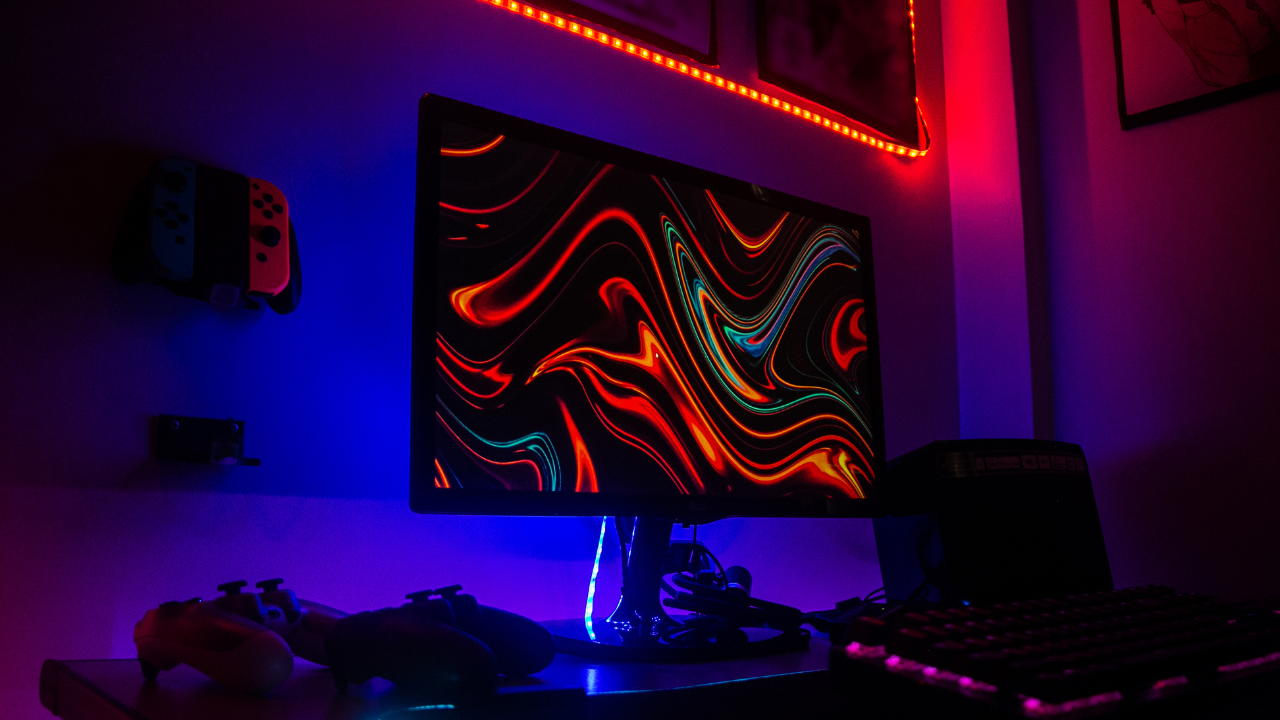
- Green screen (for custom backgrounds)
- RGB lighting (enhance your setup’s vibe)
- 4K camera (if focusing on visual-heavy content)
Tip: Audiences trust creators with good production quality. Prioritize clear audio over 4K video—viewers will forgive grainy visuals but not muffled sound.
Gamers Also Read: Which is best for gaming A PC or A Laptop?
Step 3: Create Your Channel & Brand
Setting Up Your YouTube Channel
- Sign in to YouTube with a Google account.
- Click “Create Account” → “Create Channel.”
- Choose a channel name (e.g., “PixelPlayPro” over “Gamer123”).
Design Your Brand
- Logo: Use Canva to design a simple, recognizable logo (e.g., a controller icon with your initials).
- Banner: Include your upload schedule, social handles, or a tagline.
- Color Scheme: Stick to 2-3 colors that reflect your vibe (e.g., neon green for horror games).
Pro Tip: Check name availability on social media to maintain consistency.
Step 4: Plan & Record Your First Video
Scripting & Content Ideas
- Hook viewers fast: Start with a question, shocking moment, or teaser.
“Hey gamers, today I’m attempting the IMPOSSIBLE: beating Elden Ring without taking a single hit. Let’s see how many times I die!”
- Structure: Intro → Gameplay/Commentary → Outro (call-to-action).
Recording Gameplay

- PC: Use OBS Studio to capture screen + voice.
- Console: Connect Elgato to your PC for HD recording.
- Mobile: Try AZ Screen Recorder (Android) or iOS built-in screen recording.
Keep It Authentic: Don’t script every word—let your personality shine through bloopers and genuine reactions.
Step 5: Edit Like a Pro (Even If You’re a Rookie)
Editing transforms raw footage into engaging content:
- Cut Dead Air: Remove long pauses with jump cuts.
- Add Subtitles: 85% of viewers watch without sound. Use CapCut’s auto-caption tool.
- Sound Effects: Enhance moments (e.g., “boom” for explosions).
- Thumbnail Preview: End with a “Subscribe” animation.
Tip Boost: Use epidemic sound for royalty-free music to avoid copyright strikes.
Step 6: Optimize for YouTube SEO
SEO helps your videos rank in search results. Focus on:
Keyword Research
- Use VidIQ or TubeBuddy to find low-competition keywords.
- Example: “Best Warzone loadouts 2024” instead of “Call of Duty tips.”
Optimize Title, Description & Tags
- Title: “How to Unlock Midas in Fortnite Chapter 5 🔑 (100% Working Guide)”
- Description: First 150 characters should include keywords. Add timestamps and links.
- Tags: 5-10 relevant tags (e.g., “Fortnite Midas Guide,” “Chapter 5 Secrets”).
Custom Thumbnails
- Use contrasting colors, bold text, and close-ups of faces/action.
- Tools: Canva, Photoshop, or Thumbnail Maker.
Step 7: Upload & Publish Strategically
- Schedule Uploads: Post consistently (e.g., every Friday at 5 PM EST).
- Playlists: Group similar videos (e.g., “Minecraft Survival Series”).
- End Screens: Link to another video or your subscribe button.
Pro Tip: Use YouTube’s Community Tab to poll fans about upcoming content.
Step 8: Promote Your Channel
Leverage Social Media
- Short Clips: Post highlights on TikTok/Instagram Reels with #gaming.
- Twitter/X: Share updates and engage with gaming hashtags (#IndieDev, #GamingNews).
- Discord: Build a community with exclusive behind-the-scenes content.
Collaborate
Team up with smaller creators for multiplayer streams or challenges.
Step 9: Monetize Your Channel
Once you hit 1,000 subscribers and 4,000 watch hours:
- YouTube Partner Program: Earn ad revenue.
- Sponsorships: Partner with brands like GFuel or Elgato.
- Merch: Sell branded hoodies via Teespring.
- Memberships: Offer perks for $4.99/month (exclusive emotes, live chats).
Avoid Common Mistakes:
- Don’t clickbait—it kills trust.
- Disclose sponsorships with #ad.
Step 10: Analyze & Adapt
Use YouTube Analytics to track:
- Watch Time: Aim for longer retention.
- Traffic Sources: See where viewers find you (search, suggested videos).
- Audience Demographics: Tailor content to your top viewers’ age/location.
FAQs
Q: How much does it cost to start a gaming channel?
A: You can start with $0 using free tools like OBS and DaVinci Resolve. Invest in a mic ($35+) as you grow.
Q: How long does it take to get monetized?
A: It varies—some hit 1k subs in 3 months; others take a year. Consistency is key!
Q: Can I use copyrighted music?
A: No! Use Epidemic Sound or YouTube’s Audio Library to avoid strikes.
Final Tips for Long-Term Success
- Stay Consistent: Upload weekly, even if life gets busy.
- Engage Authentically: Reply to comments, ask for feedback.
- Adapt: Pivot if a game loses popularity (e.g., from Among Us to Lethal Company).
Ready to press “upload” on your first video? Share your channel name in the comments—we’d love to subscribe! 🎮✨